How to Manage Digital Fatigue
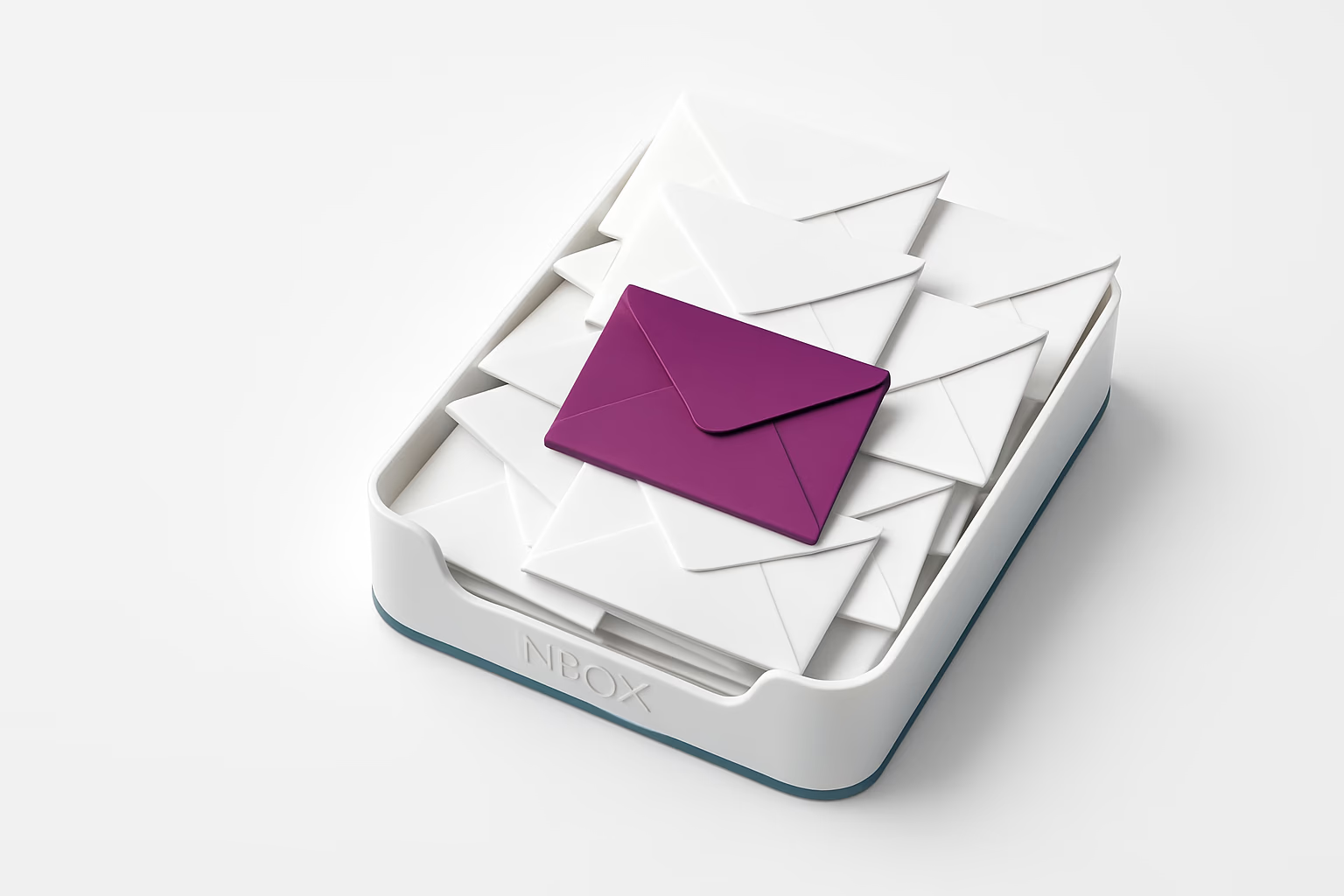
With the back-to-work season, digital fatigue is setting in across organizations. Too many alerts, too many tools, too many messages, and in the end, no one pays attention anymore. Where cybersecurity should reassure and protect, it sometimes becomes a silent pressure, and can even provoke rejection.
Cyber fatigue is now a concept that is taken seriously. Since 2022, several institutions have recognized the phenomenon, including ENISA (the European Union Agency for Cybersecurity). It defines cyber fatigue as a weariness or gradual disengagement from security behaviours, caused by an overload of instructions, alerts or digital demands.
This is not a problem that stems from employees’ ill will. It is a phenomenon of wear and tear caused by mental overload. We see it in many environments:
AgencePDN gets pirated content removed: see our solutions by sector.
- Staff who accept and approve (forms, electronic signatures) by reflex, including fraudulent requests
- Managers and users drowning in alerts from their monitoring tools, to the point that they no longer identify critical incidents
- Sometimes even HR departments block projects out of regulatory overzealousness, with no real added value for compliance.
Symptoms to watch for in your organization
Here are a few warning signs to tell whether your company is affected
- Users seem to click on everything without reading
- The number of security tools has doubled, but incidents are not going down
- Security teams spend more time managing alerts than preventing risks
- Awareness campaigns have no impact at all, or even generate rejection
- Audits are experienced as empty rituals, with no concrete action and no impact on staff
Rethinking readability
The main cause of disengagement is not the content itself, but vagueness and excess.
In many organizations, security messages (alerts, internal emails, pop-ups) are:
- too long or too technical,
- poorly contextualized,
- written in an anxiety-inducing or guilt-tripping way.
These messages are then perceived as an annoying background noise that people click on without paying attention, just to make the alert go away.
For example, a company in the banking sector had set up an anti-phishing filter with an automatic alert as soon as a suspicious link was clicked.
But the message the user received was an 18-line block of text, written in a tiny font, with incomprehensible error codes and links to three help pages.
Instead of raising awareness, this kind of alert discourages, leaves indifferent or even irritates employees who want to receive emails related to the core of their work. To multiply reading and reporting rates, a simple redesign is enough:
- a short, clear message,
- a single reporting button
- a one-sentence reminder of good habits.
What you can do:
- Reread all your security messages and pop-ups from the point of view of a layperson in cybersecurity
- Limit incomprehensible jargon
- Give one clear instruction per message.

Streamlining tools: fewer, but better
In many organizations, cybersecurity seems to be made up of a multitude of superimposed layers of tools; yet most people do not know what each tool is for, and so do not know where to look for information or which alerts really matter.
Merging and streamlining tools instead of adding them on top of one another creates a unified, more readable solution, which both reduces incident handling time and increases team involvement:
- the IT team, because it has fewer tools to manage, monitor and optimize
- the rest of the staff, because the solutions are easier for them to read
For the IT team, such streamlining makes it possible to focus on prevention instead of chasing endless logs to analyze them.
Result: a much shorter incident handling time, and greater involvement.
Targeting awareness
Cyber awareness is essential. But poorly designed, it is counterproductive. Too often, messages and training are too generic to be useful.
To avoid teams losing interest, it is necessary to target profiles and specific risks: an HR department does not have the same risk profile as a sales team (handling employees’ personal data for the former, and customers’ for the latter, for example)
Getting the timing right is essential: there is no point in flooding inboxes at the start of the season. It is better to bring in content at the moment the subject becomes concrete (for example ahead of a GDPR audit, a change of tools, or a reported incident).
Keep it short, lively, useful:
- A readable infographic is better than a 15-page PDF.
- A 3-minute reminder in a team meeting will be better remembered than a mandatory 2-hour webinar.
Cyber fatigue does not have to be inevitable; at the start of the season, get back to the essentials by restoring clarity in the tools, a human touch in the messages and consistency in your practices. Cybersecurity should not be a chore to get rid of so that the notifications stop, but a shared value, a lever for trust, performance and well-being at work.
Do your company a favour: simplify, target, and favour clear, non-anxiety-inducing communication, for maximum effectiveness.
Join us in October for our new theme. In the meantime, if you have a film, a series, software or an ebook to protect, don’t hesitate to call on our services by contacting one of our account managers. PDN has been a pioneer in cybersecurity and anti-piracy for more than ten years, and we are bound to have a solution to help you. Happy reading, and see you soon!
Share this article